
Online PDF Editor for All Your Needs
Perfect your documents quickly and easily, wherever you are.
Get started in 3 easy steps
1. Upload your file
Upload the document you want to edit.
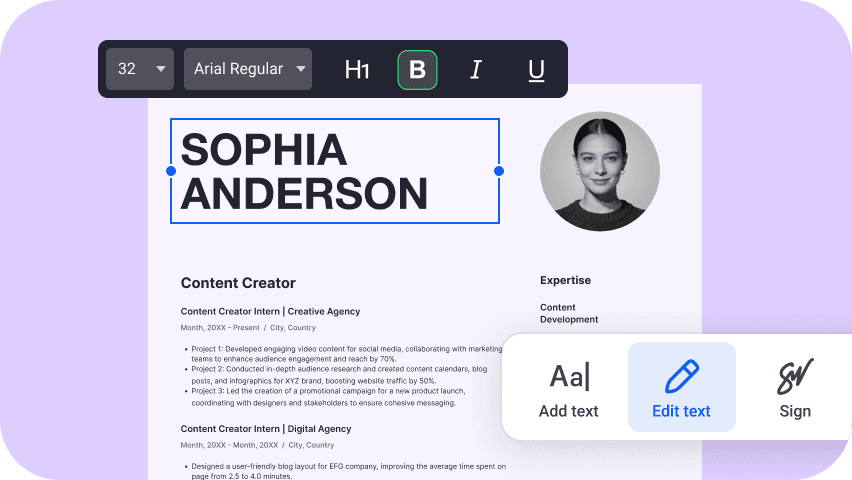
2. Make your changes
Customize your document with our intuitive PDF editor.
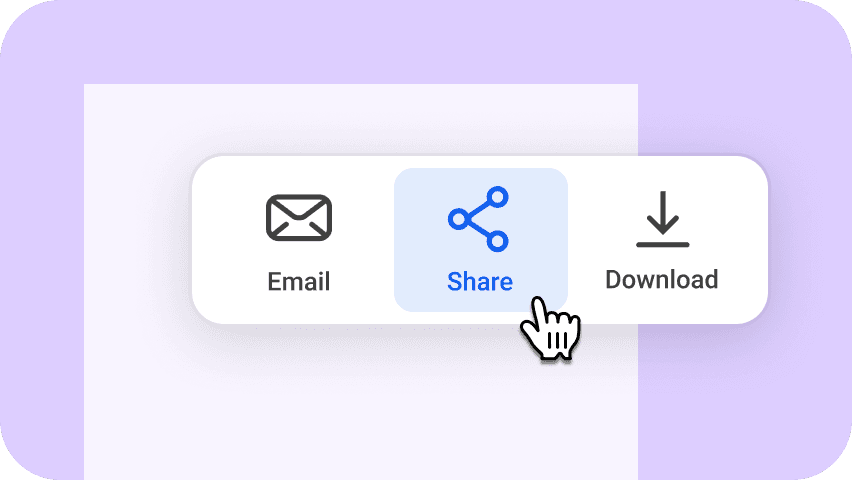
3. Download or share
Download or share your updated file in the desired format.
All the tools you need for PDF editing

Annotate PDF

Edit PDF

Split PDF

Merge PDFs

Sign PDF

Add text to PDF

Redact PDF

Organize PDF pages

Extract PDF pages

Delete PDF pages

Fill forms in PDF

Protect PDF with password

Add comments to PDF

Rotate PDF

Add PDF pages

Crop PDF pages
The ultimate solution to easily edit and manage PDF documents

100% safe and secure
Files Editor keeps your documents and privacy protected. Boost security with features like password encryption, secure storage, and more.
No software needed
Start editing instantly in your browser. No downloads, installations, or updates required. Just upload your file to get started.
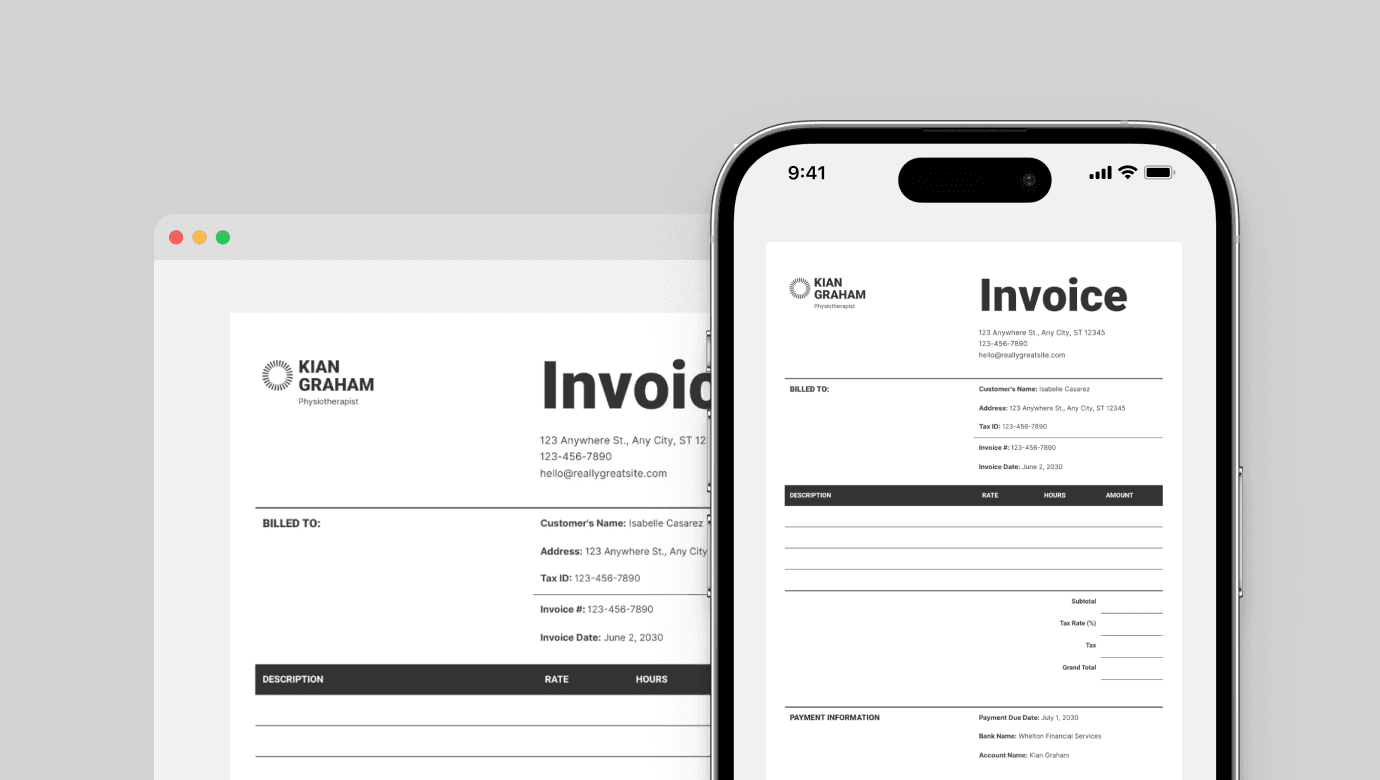
Access from any device
Edit your PDFs on your desktop, tablet, or phone. Your updates will automatically sync across all devices, so you can start on one and continue on another.
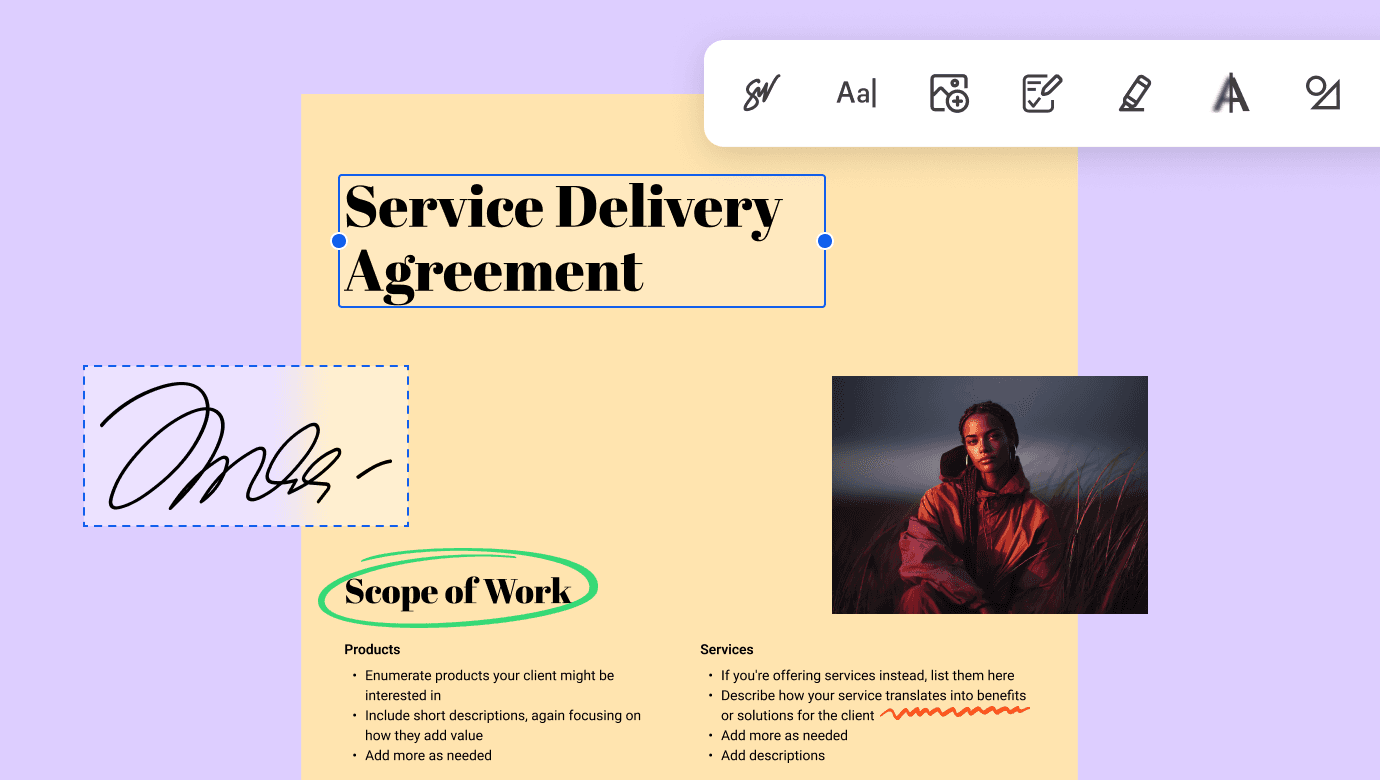
Smart PDF editing
Edit your PDFs effortlessly with our intuitive tools. Add text, images, annotations, or even e-signatures—all in just a few clicks.
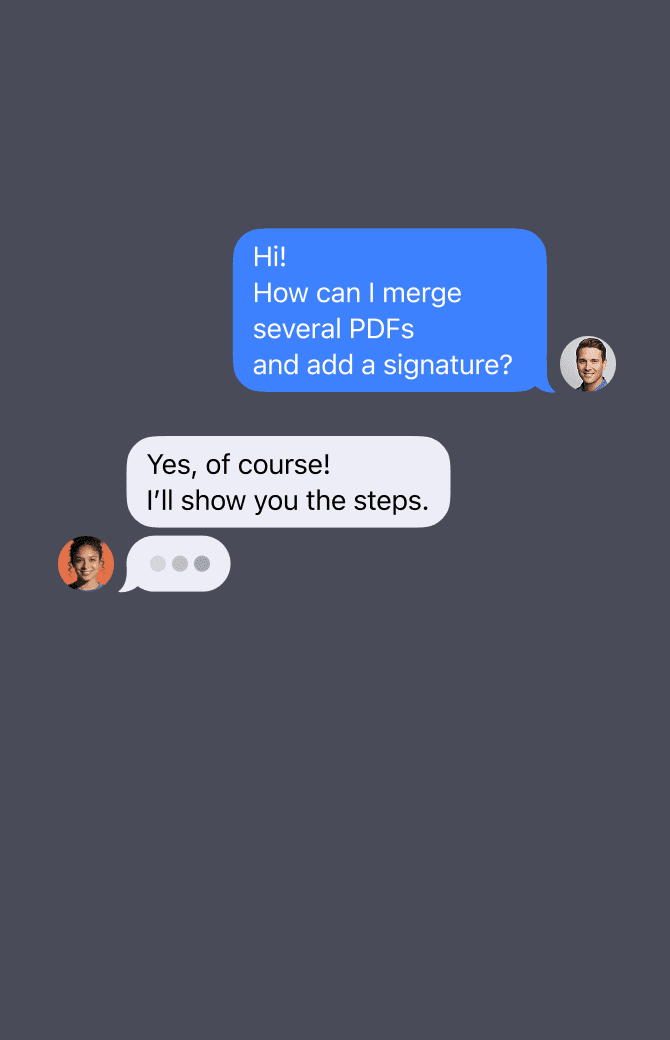
24/7 premium support
We’re here to help you with anything, anytime.

Always offline-ready
Once the tool loads in your browser, you can keep working even without an internet connection. Merge your PDFs anywhere.
